

WordPress security plugins protect your site from malware, brute force attacks, and unauthorized
access that can bring down your pages or compromise visitor data. With over 100,000 WordPress
sites attacked every day, having the right security plugin in place is not optional.
This guide covers the top 10 WordPress security plugins available in 2026, comparing their firewall protection, malware scanning, login security, and pricing, so you can Ppick the one that fits your site.
The must-have WooCommerce plugins for more sales in 2026 are WooCommerce Subscriptions (recurring revenue), Advanced Coupons (promotions), WP Rocket (speed), Rank Math SEO (search visibility), and Stripe Payment Gateway (seamless checkout). Together they cover the core needs of any growing WooCommerce store.
Why Plugins and Extensions are Necessary for WooCommerce Growth?
Plugins and extensions are what keep a WooCommerce store flexible and powerful. They enable your site to grow beyond the basics, adding features that improve sales, performance, and the user experience.
Without them, your store can only go so far. Plugins help you handle payments, manage inventory, improve SEO, and connect with customers in ways the default setup can’t. They make your store smarter, faster, and more efficient.
As your business expands, your needs change. Plugins and extensions let your website evolve with you, ensuring it stays secure, optimized, and ready to handle more traffic and orders without slowing down.
Quick Comparison: 10 Must-Have WooCommerce Plugins
Choosing the right plugins for your WooCommerce store means covering every layer from payments and SEO to speed, security, and compliance. This table gives you a quick overview of the top options across each category before the full reviews below.
| Plugin | Purpose | Free? | Best For |
|---|---|---|---|
| WooCommerce Subscriptions | Recurring payments | No | Memberships, SaaS |
| Advanced Coupons | Promotions | Yes | Sales, loyalty programs |
| Stripe Payment Gateway | Payments | Yes | All online stores |
| Rank Math SEO | SEO | Yes | Organic traffic growth |
| WP Rocket | Speed | No | All WooCommerce stores |
| ShortPixel Image Optimizer | Image compression | Yes* | Product image-heavy sites |
| Wordfence Security | Security | Yes | All stores |
| Complianz | GDPR compliance | Yes | EU-facing stores |
| YITH WooCommerce Wishlist | Conversion | Yes | Fashion, gifts, retail |
| TrustPulse | Social proof | Yes | New or growing stores |
10 Must-Have WooCommerce Plugins and Extensions for More Sales and Growth
To make your WooCommerce store thrive, you need the right mix of plugins that boost sales, speed, and customer trust. These ten tools are designed specifically for WooCommerce to help you grow faster and sell smarter.
WooCommerce Subscriptions
WooCommerce Subscriptions is the official extension built to manage recurring payments for products or services. It powers everything from subscription boxes to digital memberships with automatic renewals and flexible billing.
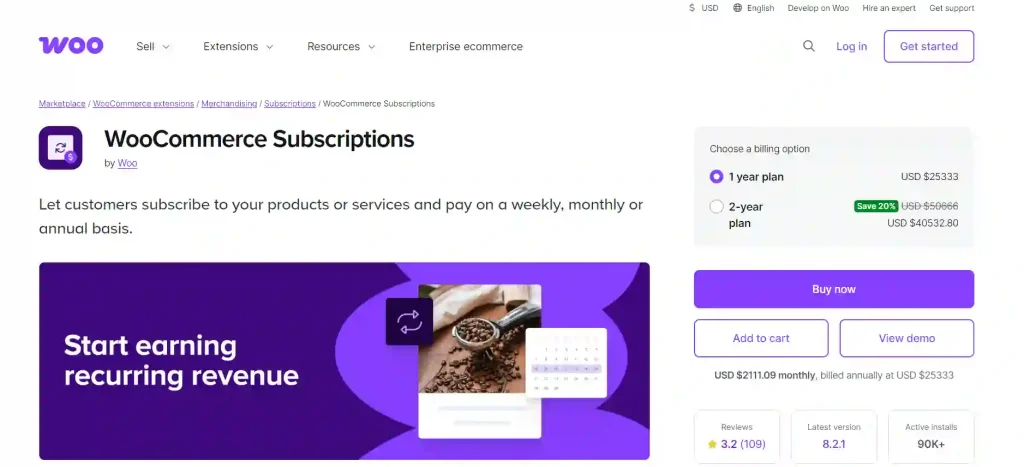
- Stand-out Features: Create multiple subscription tiers, offer free trials, sync renewals, and manage billing cycles from your WooCommerce dashboard. It supports over 25 payment gateways, including Stripe and PayPal.
- Pros & Cons: Pros include seamless integration, dependable automation, and support for variable subscriptions. The downside is that it’s a premium-only extension, which can be pricey for new stores.
- Best Use Cases: Ideal for businesses offering memberships, coaching plans, subscription boxes, or SaaS products.
- Pricing / Free vs Premium: Premium only
- Performance Impact: Optimized for WooCommerce’s core codebase, maintaining stable performance even on stores with high recurring volume.
Advanced Coupons for WooCommerce
Advanced Coupons for WooCommerce is a powerful marketing plugin that enhances the basic WooCommerce coupon system. It helps you run creative promotions, reward loyal shoppers, and boost conversions through flexible discount options.
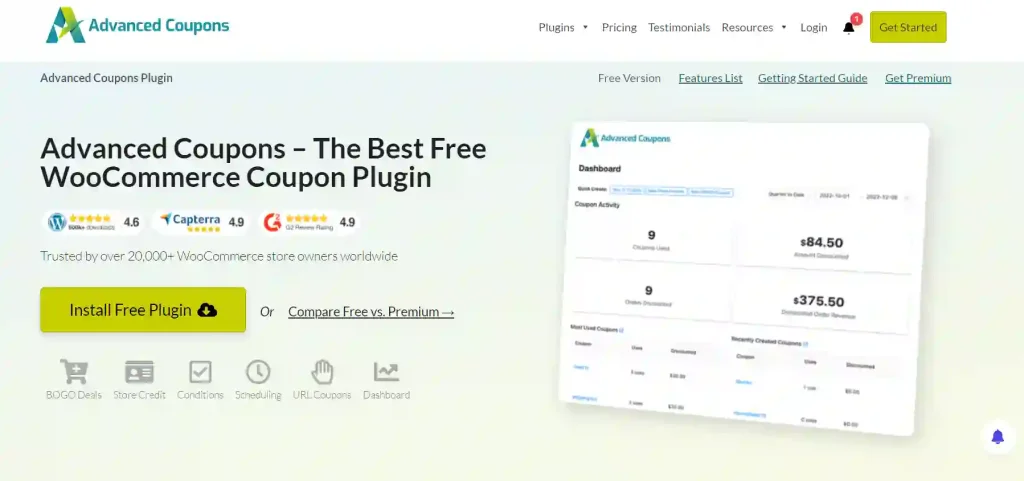
- Stand-out Features: Create BOGO offers, store credit systems, loyalty rewards, and scheduled coupon campaigns. It even supports URL-based coupon links and auto-apply rules.
- Pros & Cons: Pros include its marketing flexibility and seamless WooCommerce integration. The con is that advanced configurations may take time to learn.
- Best Use Cases: Perfect for eCommerce stores running frequent promotions, seasonal campaigns, or loyalty programs.
- Pricing / Free vs Premium: Free and premium versions
- Performance Impact: Minimal; designed to handle coupon logic efficiently without slowing checkout.
WooCommerce Stripe Payment Gateway
The official Stripe extension allows your WooCommerce store to accept payments through credit cards, Apple Pay, Google Pay, and more. It ensures secure, global transactions.
- Stand-out Features: Fast checkout experience, local currency support, and built-in 3D Secure authentication. Stripe also supports recurring billing for subscription-based businesses.
- Pros & Cons: The pros include simple setup and global reach. The con is the standard Stripe transaction fees per sale.
- Best Use Cases: Perfect for online stores serving international customers who expect seamless, trusted payment options.
- Pricing / Free vs Premium: Free
- Performance Impact: Optimized for WooCommerce; no significant impact on page speed or checkout time.
Rank Math SEO
Rank Math brings professional-grade SEO to WooCommerce. It helps you optimize product pages, categories, and site structure to boost organic visibility and conversions.

- Stand-out Features: WooCommerce-specific schema, product-rich snippets, automated meta generation, keyword tracking, and on-page optimization in real time.
- Pros & Cons: Pros include intuitive setup and detailed SEO insights. The con is potential overlap if used alongside another SEO plugin.
- Best Use Cases: Best for online stores looking to improve Google rankings and attract more qualified traffic.
- Pricing / Free vs Premium: Free and pro versions
- Performance Impact: Extremely lightweight for an all-in-one SEO suite; doesn’t slow backend operations.
WP Rocket
WP Rocket is one of the top caching and performance optimization plugins built with WooCommerce compatibility in mind. It drastically reduces loading times without requiring technical setup.

- Stand-out Features: Page caching, file optimization, lazy loading, database cleanup, and CDN integration, all automated.
- Pros & Cons: Pros are its speed boost and easy interface. The con is that it’s a paid-only plugin, but its performance benefits justify the cost.
- Best Use Cases: Ideal for stores that want faster page loads, better SEO scores, and improved user experience.
- Pricing / Free vs Premium: Premium only
- Performance Impact: Excellent; significantly improves Core Web Vitals and Time to First Byte (TTFB).
ShortPixel Image Optimizer
ShortPixel optimizes every product and media image on your WooCommerce site to improve speed and SEO.

- Stand-out Features: Bulk image compression, WebP format conversion, and adaptive images for different devices. It also offers a cloud-based optimization system.
- Pros & Cons: The main advantage is how much bandwidth it saves while maintaining quality. The con is that the free plan has monthly limits.
- Best Use Cases: Perfect for stores with many product images or galleries that need fast image delivery.
- Pricing / Free vs Premium: Free plan with paid credits
- Performance Impact: Major improvement to speed and performance with minimal resource usage.
Wordfence Security
Wordfence protects WooCommerce stores from malware, brute-force attacks, and hacking attempts. It’s one of the most trusted security plugins on WordPress.
- Stand-out Features: Firewall, malware scanner, IP blocking, real-time threat defense feed, and login security alerts.
- Pros & Cons: Pros include industry-leading protection and active monitoring. The con is that premium features like country blocking are behind a paywall.
- Best Use Cases: Essential for any store managing payments or sensitive user data.
- Pricing / Free vs Premium: Free and premium
- Performance Impact: Moderate, but adjustable; scans can be scheduled to run during off-peak hours.
Complianz
Complianz helps WooCommerce stores meet global privacy and cookie compliance standards like GDPR, CCPA, and PECR.
- Stand-out Features: Automatic cookie detection, customizable consent banners, and prebuilt legal documents. It supports regional variations for full compliance.
- Pros & Cons: Pros are compliance automation and polished design. The con is that setup requires initial customization for your policies.
- Best Use Cases: Best for stores with global traffic that need to maintain data transparency and trust.
- Pricing / Free vs Premium: Free and premium
- Performance Impact: Lightweight and doesn’t affect load times.
WooCommerce PDF Invoices & Packing Slips
WooCommerce PDF Invoices & Packing Slips is an essential plugin for any store that ships physical products or needs professional invoice documentation.

It automatically generates PDF invoices and packing slips for every order and attaches them to customer emails.
- Stand-out Features: Customizable templates, automatic emailing, bulk download, and sequential invoice numbering for easy bookkeeping.
- Pros & Cons: Pros include automation and integration with multiple order workflows. The con is that visual customization options are limited in the free version.
- Best Use Cases: Ideal for eCommerce businesses that need to keep their accounting and shipping documentation organized.
- Pricing / Free vs Premium: Free with premium add-ons
- Performance Impact: Very lightweight; runs in sync with WooCommerce’s order system without slowing operations.
Google Analytics for WooCommerce
WooCommerce Google Analytics Integration connects your WooCommerce store directly to Google Analytics, giving you a complete view of how visitors interact with your products and checkout process. It helps you track sales, traffic sources, and customer behavior in real time, so you can make smarter marketing and business decisions.

- Stand-out Features: WooCommerce Google Analytics Integration offers advanced eCommerce tracking, event tracking for add-to-cart and product views, and conversion insights. It supports both Universal Analytics and Google Analytics 4, giving store owners a full overview of performance data.
- Pros & Cons: Pros include easy setup, direct integration with Google Analytics, and accurate tracking of revenue and product performance. The main con is that proper configuration is needed to ensure accurate data collection, especially when switching from Universal Analytics to GA4.
- Best Use Cases: Ideal for store owners who want detailed insight into customer journeys, sales performance, and traffic sources to optimize their marketing and conversion strategy.
- Pricing / Free vs Premium: Free plugin
- Performance Impact: WooCommerce Google Analytics Integration is lightweight and designed to run smoothly in the background without affecting your website’s loading speed or checkout performance.
How These Plugins Help Your Store Grow?
These WooCommerce plugins work together to make your store faster, safer, and more profitable.
WP Rocket and ShortPixel improve loading speed, Rank Math SEO boosts visibility, and Wordfence with Complianz builds trust through security and compliance. Advanced Coupons drive more sales through smarter funnels, offers, and automation.
With the right mix of reliable and lightweight plugins, WooCommerce becomes faster, easier to manage, and ready to grow while turning better performance and user experience into long-term success.
Tips to Choose and Manage WooCommerce Plugins Wisely
Focus on plugins that are lightweight, regularly updated, and trusted by WooCommerce users. These perform better and reduce the risk of conflicts or downtime.
Always test new plugins on a staging site before activating them on your live store. This helps you catch errors or compatibility issues early.
Review your plugin list often and remove any you no longer use. Fewer, well-maintained plugins keep your store fast, secure, and easy to manage while ensuring a smooth shopping experience for every customer.
Conclusion: Your Store Deserves the Right Tools to Succeed
Every plugin listed here adds genuine value to your WooCommerce store. They are not extras or clutter but essential tools that keep your business running efficiently and growing steadily.
Start with the essentials, focus on performance and security, and add more tools as your needs expand. When your plugins work in harmony, your WooCommerce store becomes powerful, reliable, and unstoppable.
FAQs About WooCommerce Plugins and Extensions
How many WooCommerce plugins should I install?
Only install what your store actively needs. Each plugin adds load time. A typical store needs a payment gateway, one security plugin, a speed plugin, and an SEO plugin. Add more only when a specific business problem requires it.
Is WP Rocket worth it for a WooCommerce store?
Yes. WP Rocket has WooCommerce-specific settings that automatically exclude the cart, checkout, and account pages from caching so your store stays dynamic where it needs to be and fast everywhere else.
Do too many WooCommerce plugins slow down my website?
Yes, if they are heavy or poorly coded. Lightweight, regularly updated plugins like those listed above won’t slow your site and can even improve speed when optimized properly.
How often should I update my WooCommerce plugins?
Check for updates weekly and apply them after testing on a staging site. Updates fix bugs, improve performance, and close security gaps, keeping your store safe and smooth.
Are free plugins enough for a growing WooCommerce business?
Free plugins are great for starting out, but premium versions often include advanced features, better support, and stronger security. Upgrading key plugins like WP Rocket can be a smart long-term investment.
How do I know if a plugin is safe to install?
Always choose plugins from verified sources like WooCommerce.com or WordPress.org. Check user reviews, update history, and developer reputation before installing. Avoid outdated or untested plugins to prevent security issues.